Gallery
Our work can be found here.
MCC: Summer camp – Wall-E and ASIMO
MCC will be conducting summer camp this year teaching python to kids and parents. Planned dates are, June 23rd and July 14th. June 23rd is for kids from 9 to 14, July 14th is for 15+ years, including adults and parent. This would be good opportunity to get introduced to basics of coding.
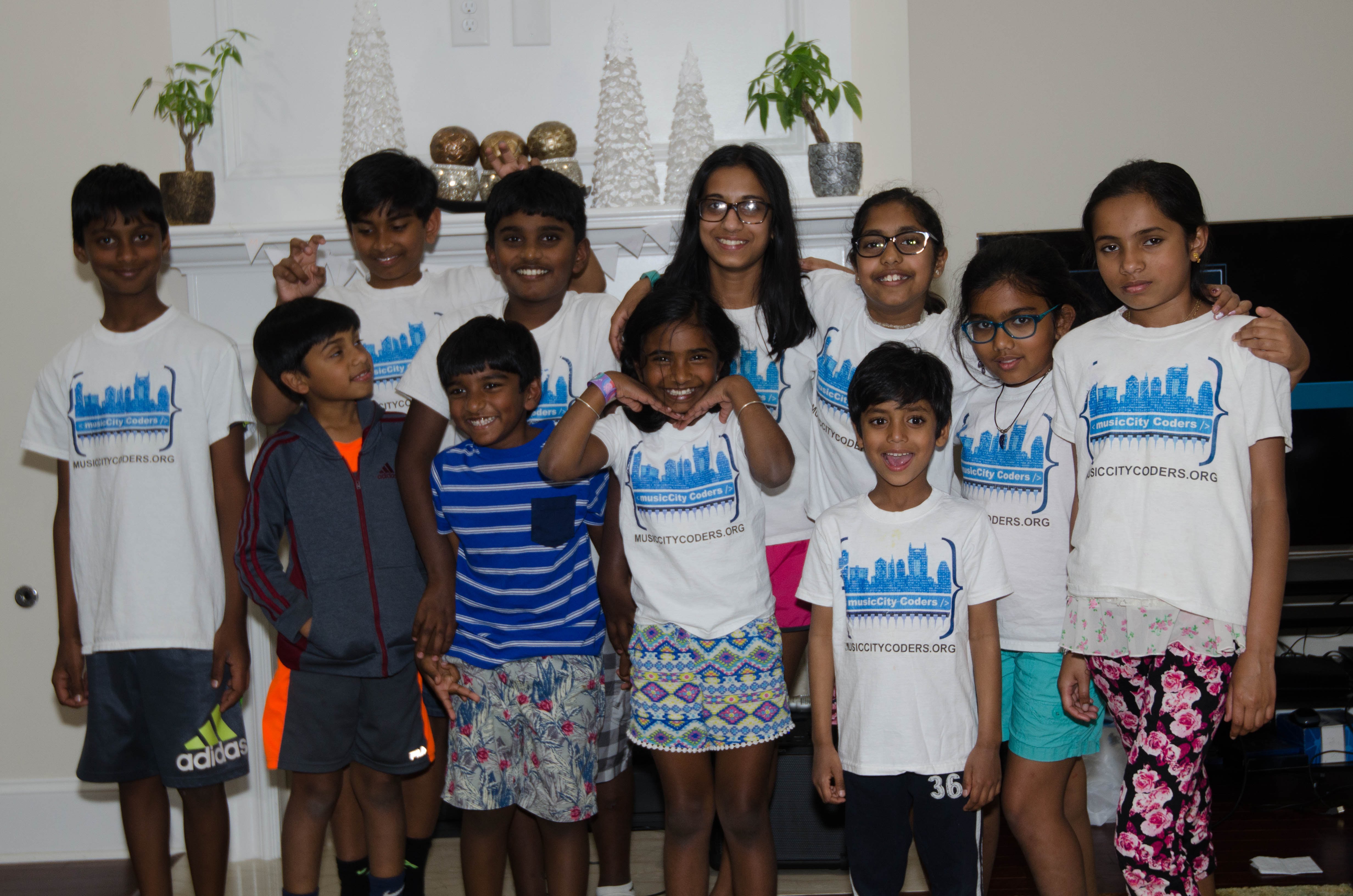
2018 – MCC Party
We planned this year party to showcase our learnings to parents and friends. We showed mbot to microbit. Parents had good time learning about our projects. We will continue to have fun coming years
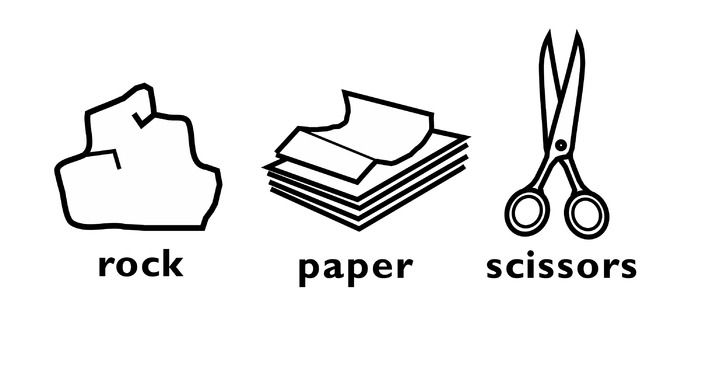
MCC: Python: Microbit: Rock, Paper and Scissor
We continued learning python to create rock, paper and scissor game. It involves creating our own images and then making them as list. From that use random to choose one. from microbit import * import random rock = Image(‘09990:99999:99999:99999:09990’) paper = Image(‘99990:90090:90090:90990:99900’) scissor = Image(‘00900:00900:99999:99900:09900’) mylist = [rock,paper,scissor] while True: if accelerometer.is_gesture(“shake”): display.show(random.choice(mylist))
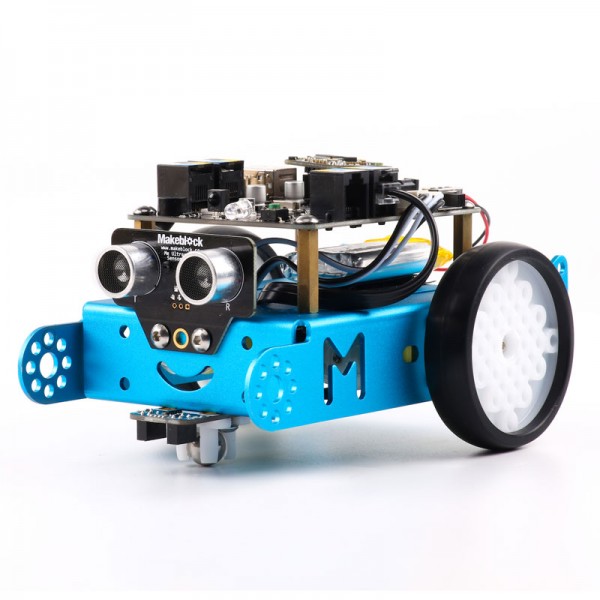
R2D2 – mBot building
R2D2 team spent time building mbot and ready to start coding.
MCC: Mircobit: Event trigger
Music city coders continued with how to trigger event and that would display different images. For example, button pressed from microbit import * while True: if button_a.is_pressed(): display.show(Image.HAPPY) elif button_b.is_pressed(): display.show(Image.ANGRY) else: display.show(Image.SAD) Then continued with ticklish microbit by touching different pins from microbit import * while True: if pin0.is_touched(): display.show(Image.HAPPY) elif pin1.is_touched(): display.show(Image.ANGRY) Random […]
Micro:bit – Animation
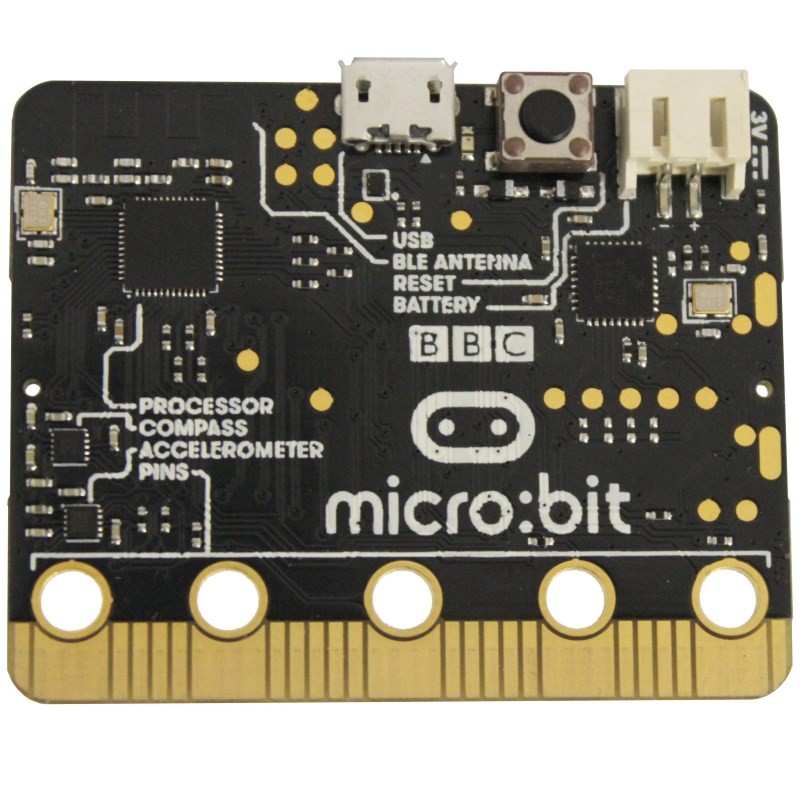
We continued with micro:bit to understand how we can create animation with 5×5 LEDs, started with stock images and created our own image. Each one of us created different pattern. Below video and code are sample of that. Stock animation (clock) from microbit import * display.show(Image.ALL_CLOCKS, delay=100,wait=False, loop=True, clear=True) Video Animation – own image – […]
MCC – Python & micro:bit
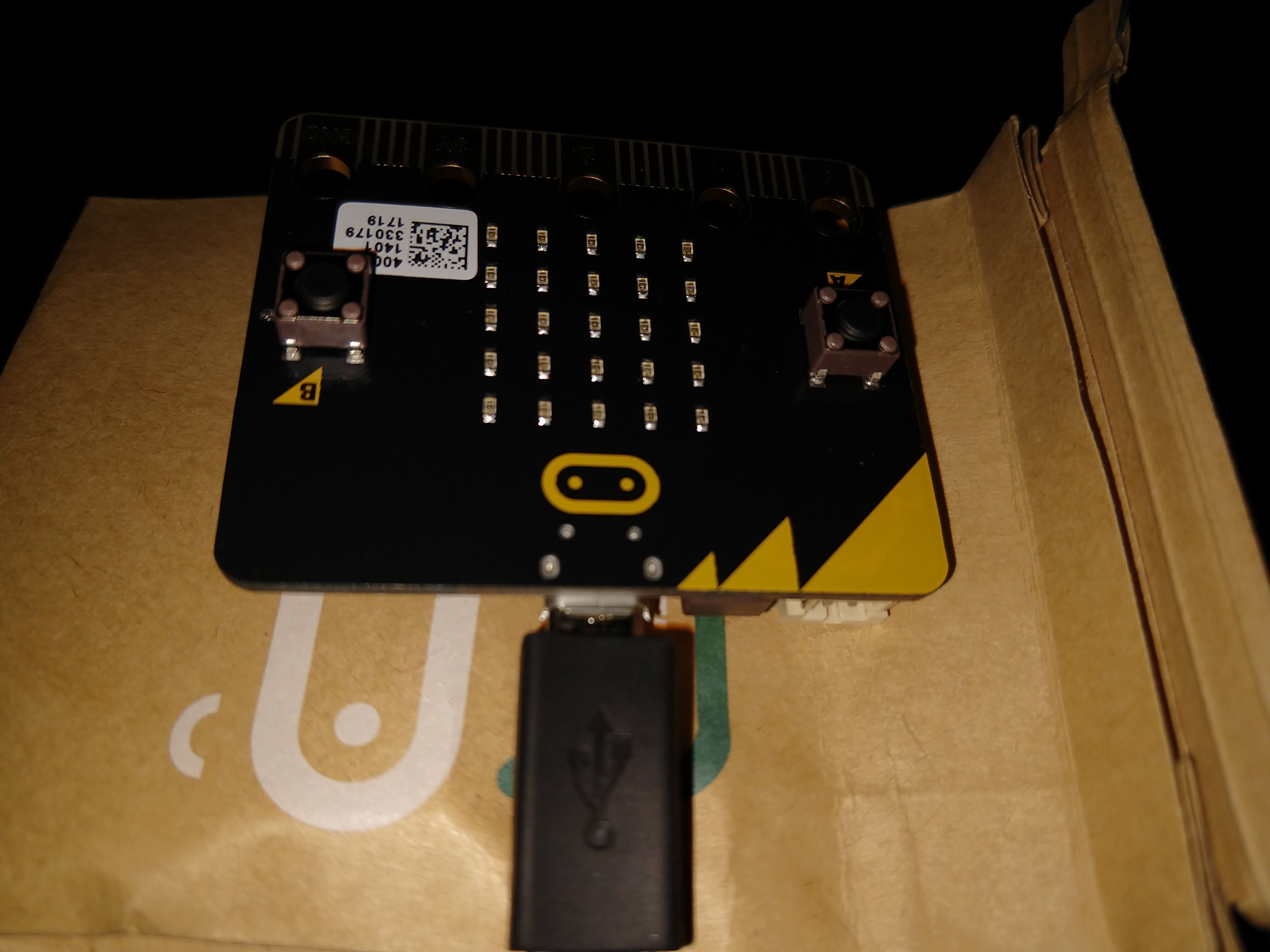
After completing basics of python, we wanted to test our skills with micro:bit Micro:bit is a tiny computer to start programming, can be referred http://microbit.org/ . We used mu editor to add code and also flash to micro:bit. Here is the simple program which will scroll “Hello World” and then display butterfly image, it keeps repeating after […]
MCC – Python – Guess Game
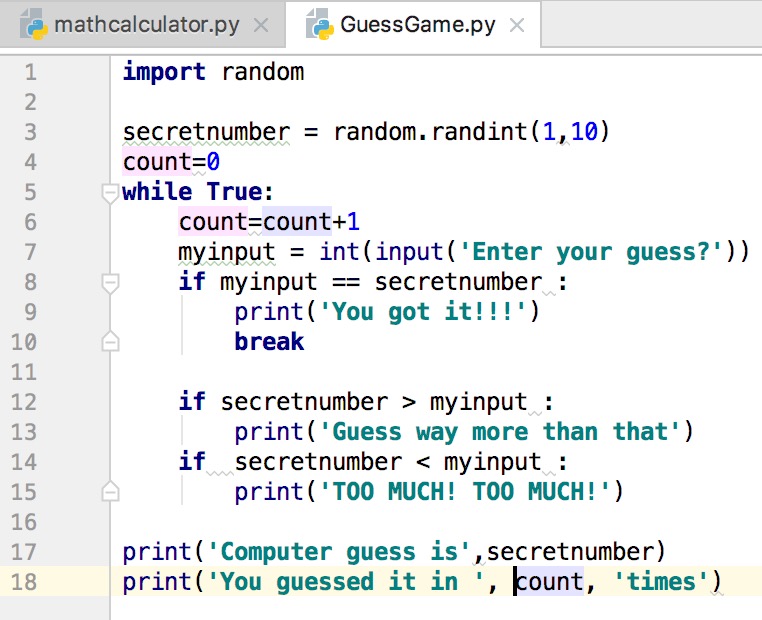
We continue to improvise guessing game, Added Choice for user to repeat guess Counter to determine how many times user guessed Hint for user to narrow down guess import random secretnumber = random.randint(1,10) count=0 while True: count=count+1 myinput = int(input(‘Enter your guess?’)) if myinput == secretnumber : print(‘You got it!!!’) break if secretnumber > myinput […]
MCC – Python Functions
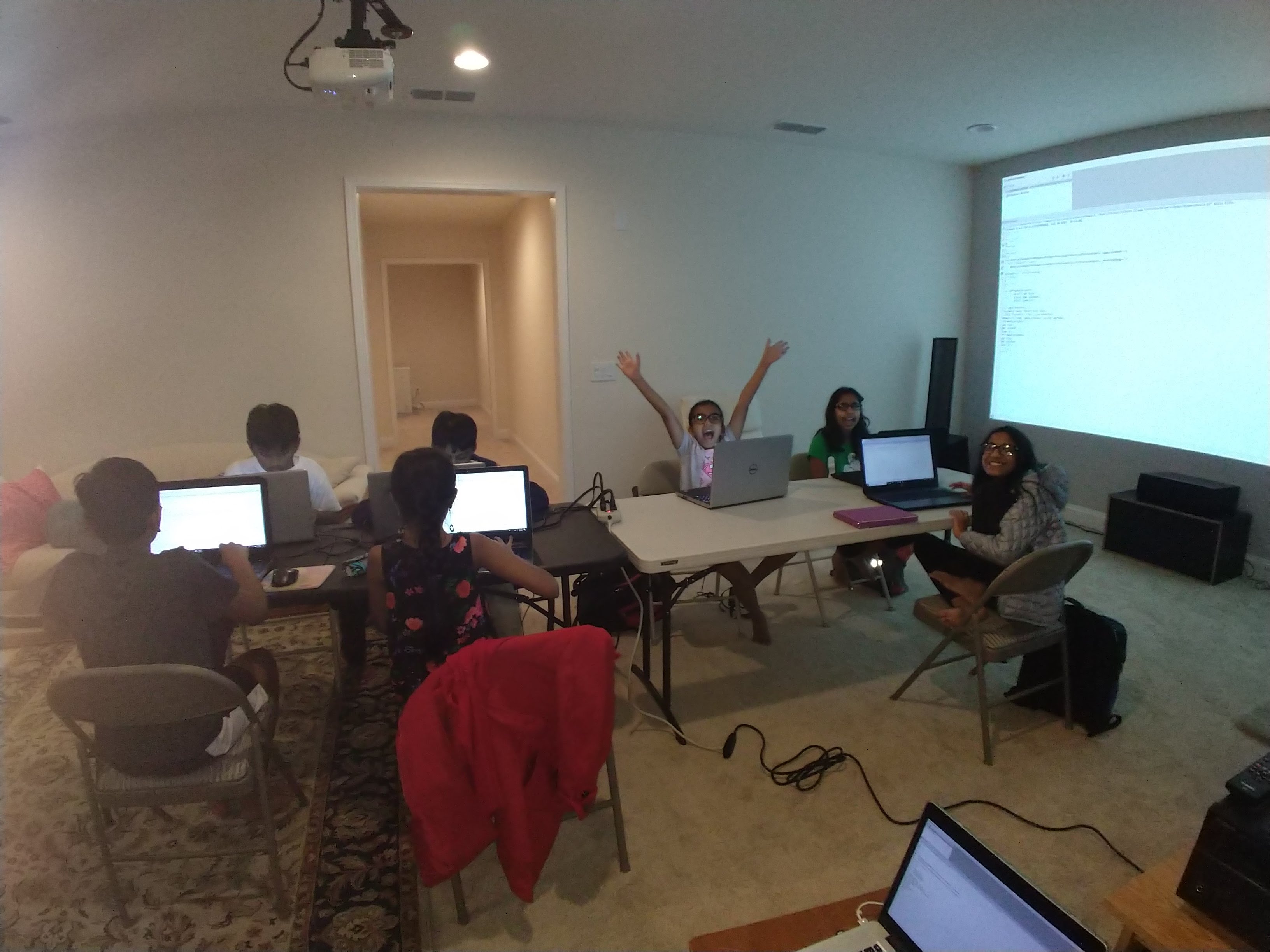
We are continuing with python to complete all the concepts of operations/variable/condition/function, here is an example of one program written by us def add(number1, number2): return number1 + number2 def subtract(number1, number2): return number1 – number2 def multiply(number1, number2): return number1* number2 def divide(number1, number2): return number1/ number2 number1 = int(input(‘What is your first number?’)) […]
R2D2 – HTML to webpages
We learned lot about webpage creation using HTML. This fun continues with creating live website, we decided to use dudaone as this is free explore and have so many templates. We will have some websites available in coming days. dudaone